Featured agent apps and phone sites, checked agent by agent
Six shopping agents, each with an app in both stores, and what their phone websites let us finish when we tried them signed out on 18 October 2026.
Featured agents checked on iOS, Android and a phone browser
All six featured agents have an app in both stores. On 18 October 2026 we looked each one up in the US App Store and opened its Google Play page; the table gives the version and update date we read. We never print store ratings or install counts. A busy listing says little about how an agent treats your order, and those numbers are easy to inflate.
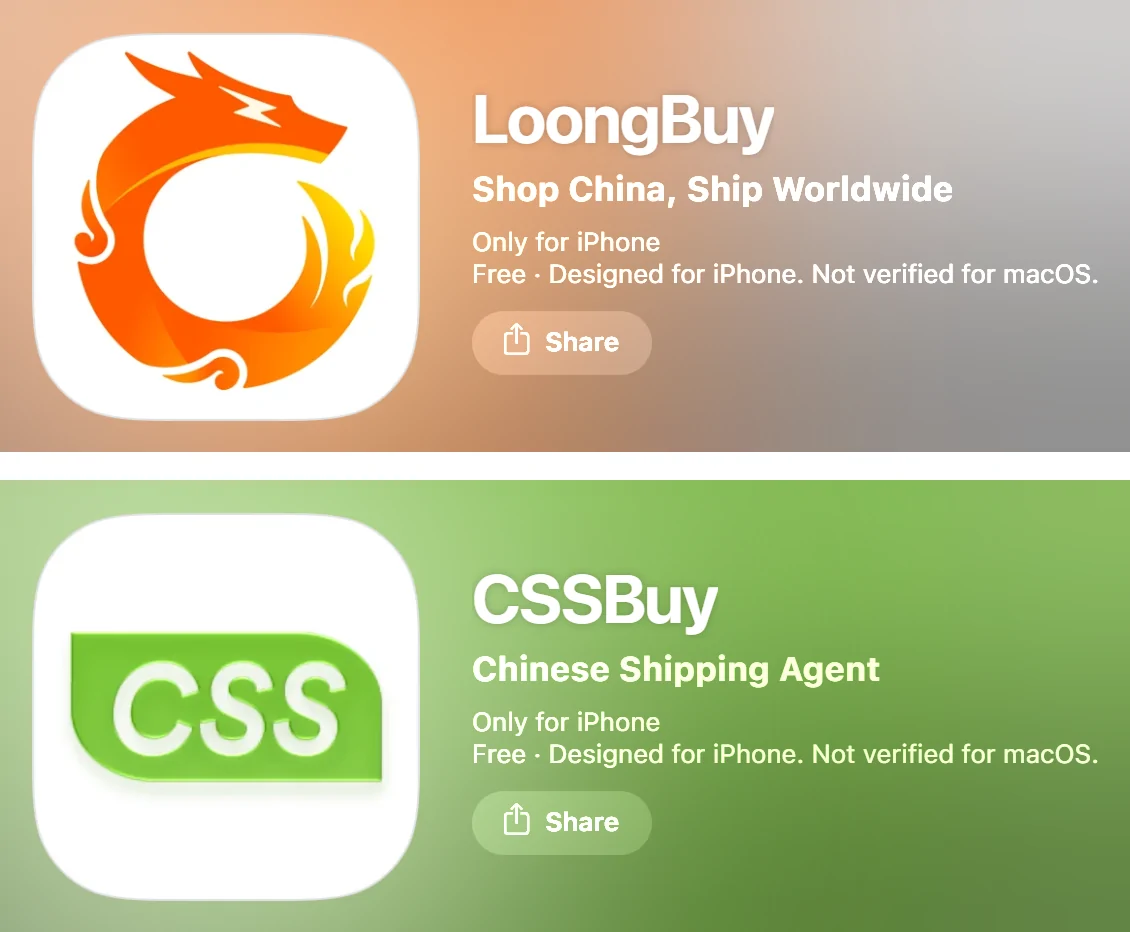
Every agent except CNshopper sends phone visitors to a separate phone site rather than shrinking its desktop pages. That matters for links: a desktop address shared with you may land on the phone site's home page instead of the page it named, as happened with two of CSSBuy's links. The update dates matter too: an app left unchanged for months may lack features the agent has since added to its website. The two listings pictured here carry the subtitles Shop China, Ship Worldwide and Chinese Shipping Agent.
| Agent | iPhone app (US App Store) | Android app (Google Play) | Phone website |
|---|---|---|---|
| LoongBuy | Listed, 1.0.8, updated 14 Oct 2026 | Listed, updated 13 Oct 2026 | Phone visitors are moved to a separate phone site, which shows a download strip and a panel asking you to continue in the app. |
| CSSBuy | Listed, 1.5.52, updated 12 Oct 2026 | Listed, updated 8 Oct 2026 | Phone visitors land on a separate phone site whose top strip says the app sends real-time order and parcel notifications. |
| Superbuy | Listed, 6.28.1, updated 13 Oct 2026 | Listed, updated 10 Oct 2026 | Phone visitors are moved to a separate phone site with an Open App strip at the top. |
| Lovegobuy | Listed, 1.2.7, updated 23 Jul 2026 | Listed, updated 21 Jul 2026 | Phone visitors are moved to a separate phone site with an app strip at the top. |
| LitBuy | Listed, 1.4.0, updated 12 Oct 2026 | Listed, updated 11 Oct 2026 | Phone visitors are moved to a separate phone site. |
| CNshopper | Listed, 1.0.47, updated 14 Oct 2026 | Listed, updated 13 Oct 2026 | One site for every screen size: no separate phone address. |
A parcel estimate that finished on a phone page
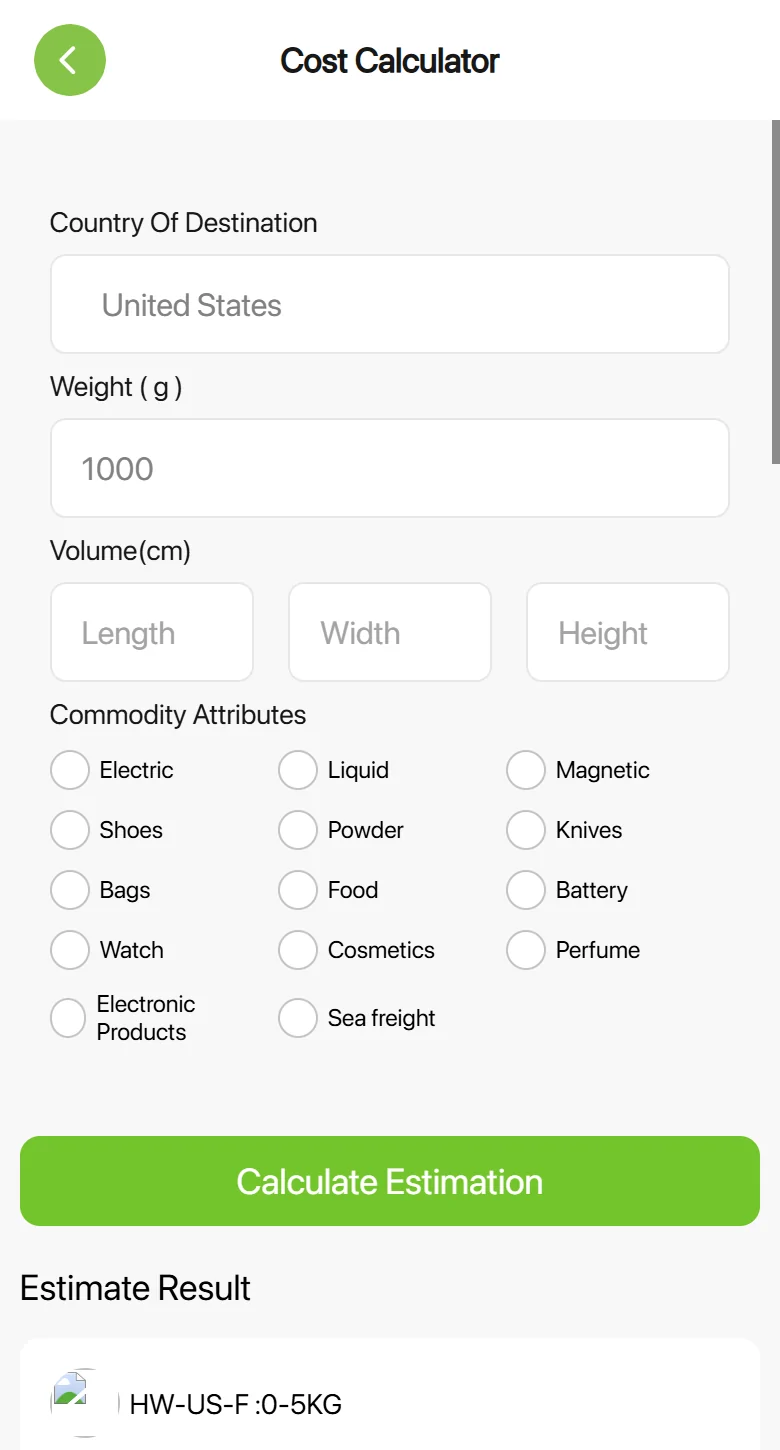
CSSBuy's cost page was the one estimate that gave us prices on a phone site. It is not reached from CSSBuy's desktop link, which bounced us to the phone home page; it is the first icon on that phone home page. These are the steps we followed on a phone-sized screen, signed out, with a destination of the United States and a parcel of one kilogram.
Open it from the phone home page
The first icon in the line of icons under the search strip. The desktop address for the same page sent us back to the phone home page.
Pick a destination
The destination field opens a searchable list; typing the country narrows it.
Enter weight in grams
Size fields are optional. Tick an attribute only if the parcel holds that kind of item.
Read results as cards
Each line appears as its own card with route notes and a price breakdown, stacked vertically. No sideways scrolling was needed.
Keep the result for later
Screenshot the card you like; prices are an estimate and the warehouse weight decides the final bill.
Agent apps and mobile sites, compared on a phone screen
These are the four phone-site jobs we tried on each agent while signed out, on a screen 390 pixels wide. Warehouse photos are not in the table: they exist only once you have an account and a paid order, so every agent shows them behind a sign-in.
Read the labels as descriptions of one day, not grades. Behind login is the normal answer for a cart. Partly means the page opened and fitted but we did not reach a result. Not checked means the button we needed did not respond. The notes under each agent below say exactly what happened, and the table under this paragraph repeats the labels in text for screen readers.
| Agent | Paste a link | Cart | Parcel estimate | Help centre |
|---|---|---|---|---|
| LoongBuy | Finished | Behind login | Partly | Finished |
| CSSBuy | Finished | Behind login | Finished | Not finished |
| Superbuy | Behind login | Partly | Partly | Sideways scroll |
| Lovegobuy | Finished | Not checked | Partly | Finished |
| LitBuy | Finished | Behind login | Partly | Not finished |
| CNshopper | Finished | Not checked | Partly | Sideways scroll |
LoongBuy: an app prompt first, then a readable help centre
Phone visitors are moved to a separate phone site, which shows a download strip and a panel asking you to continue in the app.
- Pasting a link: The home box is a button: tap it, a search screen opens, paste and press enter. The item page showed the price, Add to Cart and Buy Now.
- Cart: The cart sent us to the sign-in screen.
- Parcel estimate: The estimate form fits the screen, but the destination list did not open for us, so no result appeared.
- Help centre: The phone help centre opens with its sections listed one under another.
The PC home page shows both store badges. On the phone, a panel slides up on arrival asking you to continue in the LoongBuy app, with Close and Open APP buttons; closing it leaves you on a usable phone site. Its help centre was the clearest of the six on a narrow screen.
App Store listing. Google Play listing Sign up with LoongBuy.
CSSBuy: a notification pitch and a no-return warning
Phone visitors land on a separate phone site whose top strip says the app sends real-time order and parcel notifications.
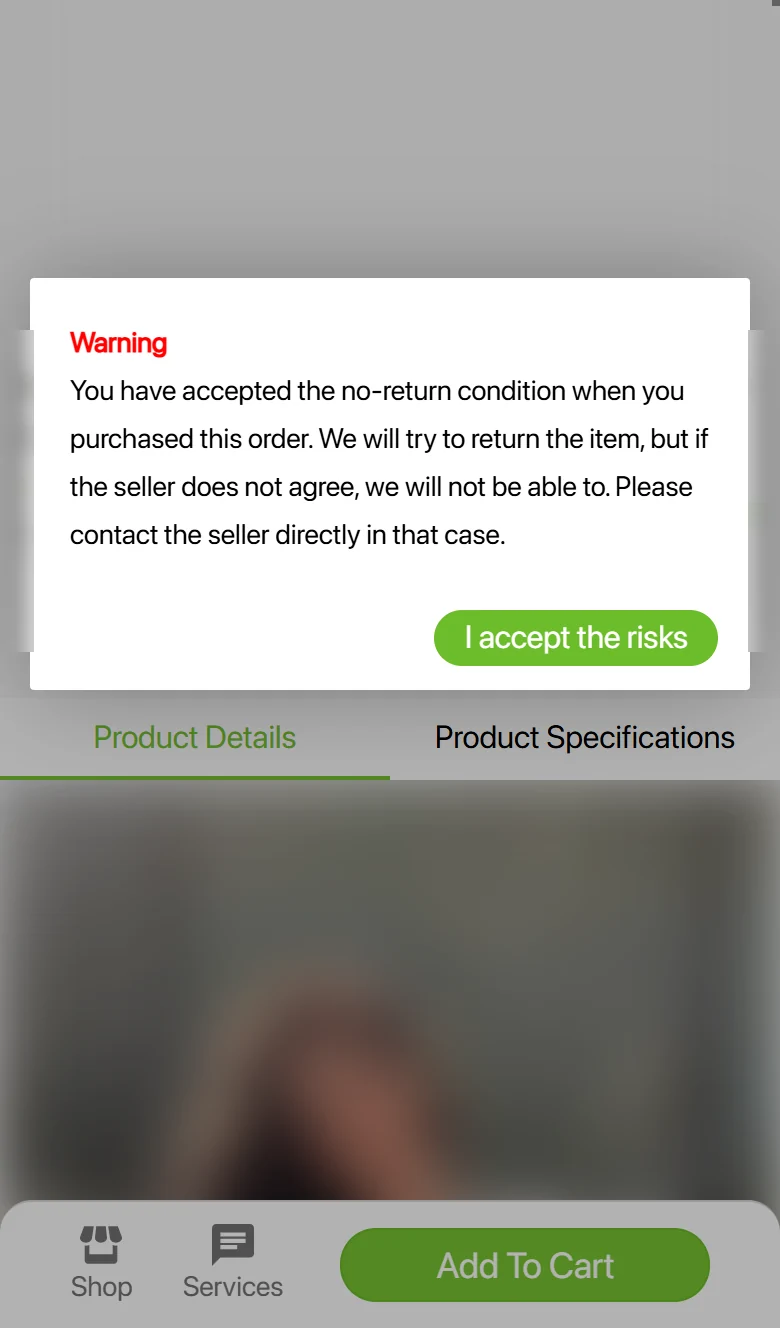
- Pasting a link: Tap the grey search strip first; the real input appears. The item page kept the seller's Chinese title and asked us to accept a no-return warning before adding to cart.
- Cart: The cart opened the sign-in screen.
- Parcel estimate: Reached from the phone home page, the cost page returned results as stacked cards with no sideways scrolling. The desktop link to the same page bounced to the phone home page.
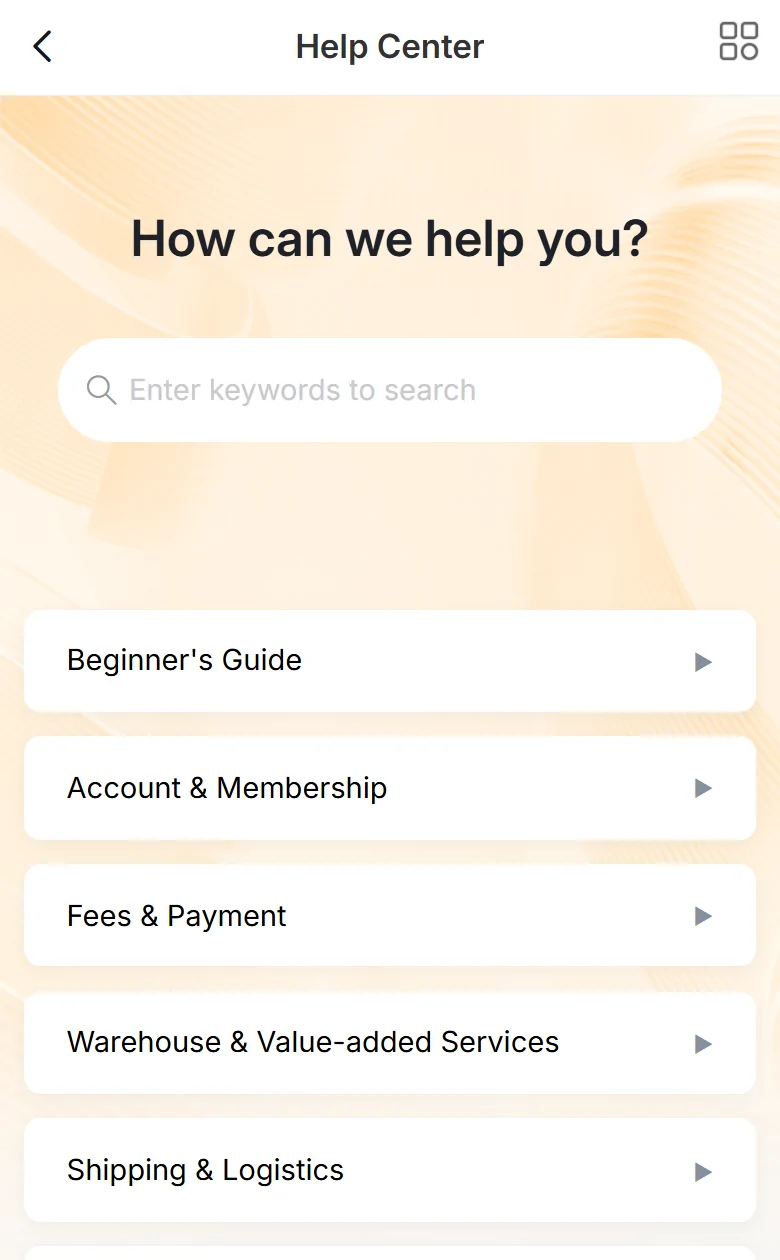
- Help centre: The desktop help article link bounced to the phone home page, and we found no help entry there.
CSSBuy is the oldest listing of the six; its App Store entry was first released in December 2017. The top strip of its phone site sells the app on real-time order and parcel notifications. On the item page it was the only agent to stop us with the seller's no-return condition and ask us to accept the risk before adding the item.
Superbuy: sign in first, and a help centre built for desktops
Phone visitors are moved to a separate phone site with an Open App strip at the top.
- Pasting a link: Pasting a product link into the home box sent us straight to the sign-in screen.
- Cart: The cart page opened without an account and showed an empty cart; checkout needs one.
- Parcel estimate: The desktop estimate link moved us to a phone page that loaded in Chinese.
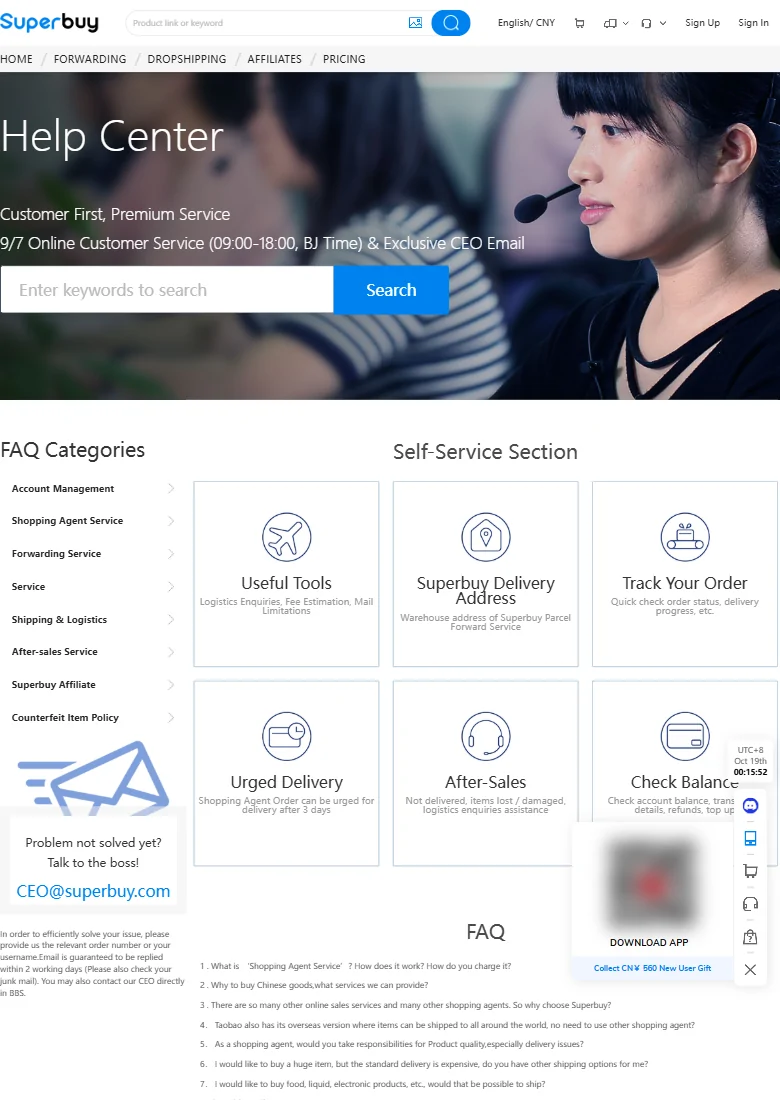
- Help centre: The help centre kept its desktop layout, so the text was tiny until we zoomed in.
Superbuy's own user guidance page links to its App Store listing, the one we list here; a store search for the name also shows other apps with similar names that the guide does not link to.
App Store listing. Google Play listing Sign up with Superbuy.
Lovegobuy: a copied link is spotted for you
Phone visitors are moved to a separate phone site with an app strip at the top.
- Pasting a link: Copy the link first, then open the phone site: a pop-up said it had detected a copied product link and offered View Details.
- Cart: The Cart and Account buttons did not respond to our taps, so we have no result for this step.
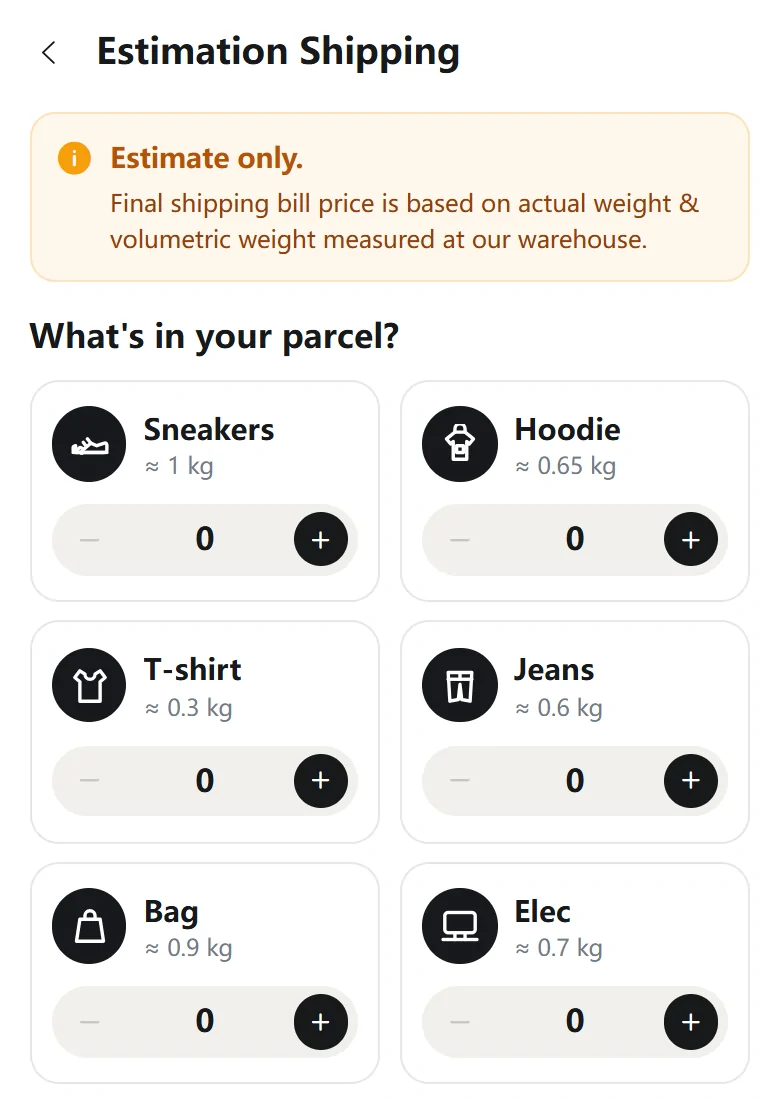
- Parcel estimate: The phone estimate page starts by asking what is in the parcel (one pair of sneakers, a hoodie and so on) and fits the screen; we did not submit it.
- Help centre: The phone help centre lists its articles in a readable single column.
Lovegobuy's Fill and Buy announcement says that after copying a product link you can open its website or app and the request is recognised automatically. On our test day the phone site did exactly that. Its iPhone app had not been updated since July 2026 when we looked.
App Store listing. Android download on the agent's own site Sign up with Lovegobuy.
LitBuy: an announcement that argues for the app
Phone visitors are moved to a separate phone site.
- Pasting a link: Two screens: tapping the home box opens a separate search page; pasting there opened the item page with prices in yuan and dollars and an expected warehouse arrival date.
- Cart: The cart opened the sign-in screen.
- Parcel estimate: The estimate form (destination, weight, type, size) fits the screen; we did not submit it.
- Help centre: The help address loaded a blank page, and the Help Center entry on the account page sent us to sign in.
LitBuy publishes a download announcement that lists fast ordering by pasting links, real-time tracking, easy access to QC photos and app notifications as reasons to use the app over a browser. Our phone-site results line up with that pitch: pasting worked, help did not.
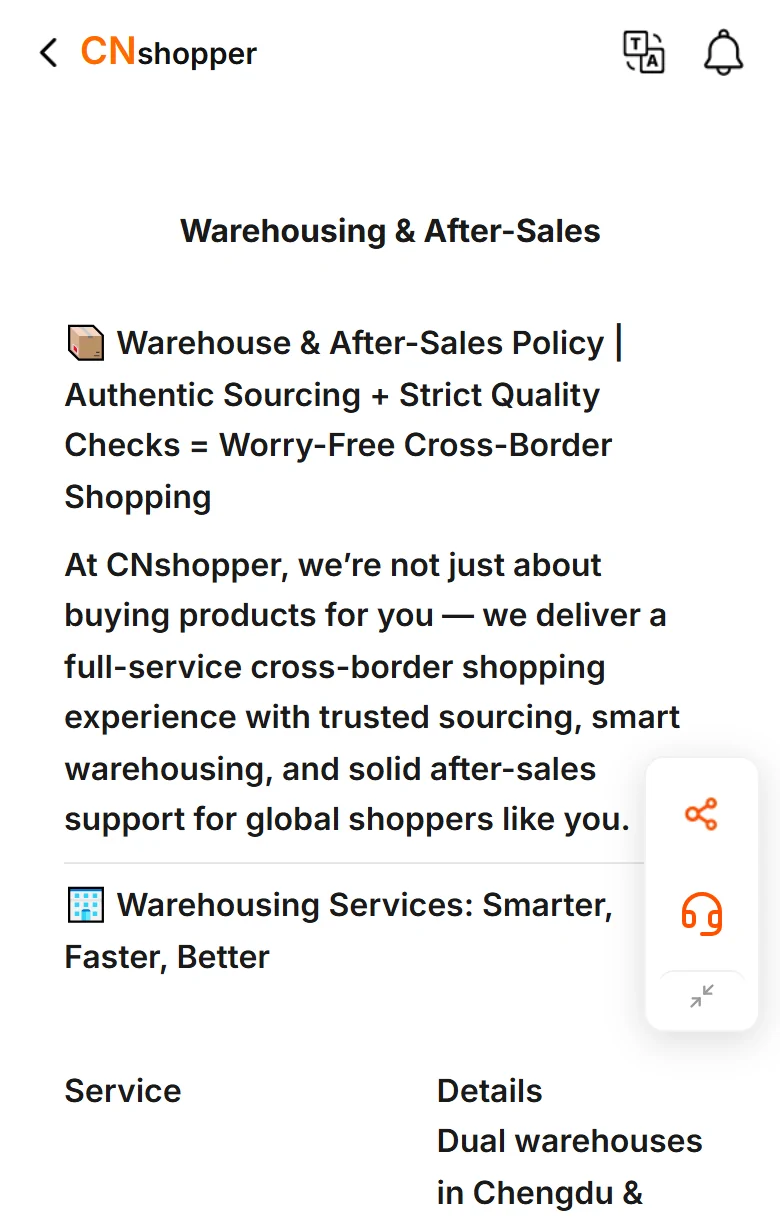
CNshopper: one site for every screen, with wide help articles
One site for every screen size: no separate phone address.
- Pasting a link: The home box took a product link directly and opened the item page with colours, sizes, stock and a dollar price; the title stayed in Chinese.
- Cart: The Cart button did not move us anywhere during our check.
- Parcel estimate: The estimate form fits the screen with a default destination filled in; we did not reach a result.
- Help centre: The plain help address returned a not-found page; a help article we opened was much wider than the screen.
CNshopper is the only featured agent without a separate phone site. Its item pages and estimate form fitted well; the help article we opened did not, running well past the right edge. It has no sign-up code with us, so the link below is its plain home page.
App Store listing. Google Play listing Sign up with CNshopper.
Picking by the situation you are in
There is no single answer, but there are good matches for particular habits.
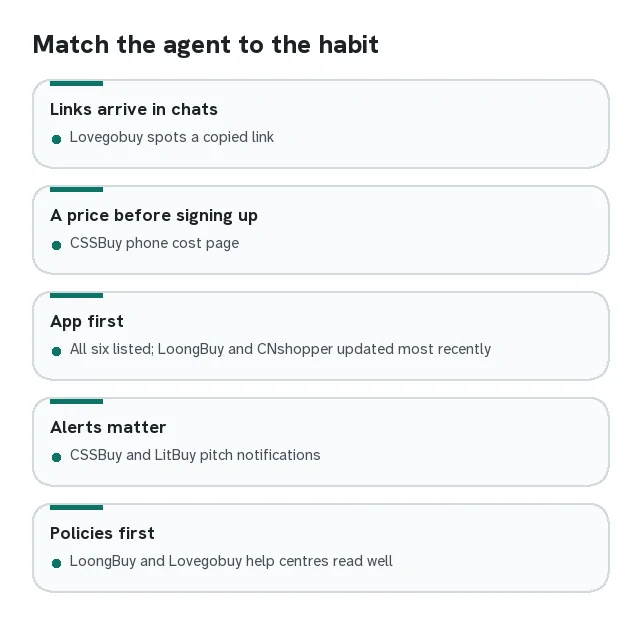
- If most of your links arrive in chats, look at Lovegobuy: copy the link, open the phone site, and it offers the item for you.
- If you want a shipping price before signing up, CSSBuy's phone cost page gave us one; for the others, check on a computer.
- If you prefer to do everything in an app, all six are in both stores; LoongBuy and CNshopper had the most recent iPhone updates when we looked.
- If you rely on notifications, CSSBuy and LitBuy both pitch their apps on order and parcel alerts.
- If you read policies before paying, LoongBuy and Lovegobuy had the most readable phone help centres in our check.
Whichever you choose, run the checklist on Weighing agents first.
What this comparison cannot tell you
We checked signed out, on one day, with one test link: a plain T-shirt listed on Weidian. Signed in, several of the pages that stopped at a sign-in screen would work. On another day, a picker that failed for us might open first time. We did not test buying speed, warehouse care, customer service or refunds, because a single test cannot measure them.
Store listings tell you an app exists and when it was last updated. They do not tell you whether the agent is well run. For that, read the agent's own policies and the warning signs on Red flags.